
You can create a job family to group jobs that need similar skills and knowledge, for example when you are getting started and setting up your job architecture for evaluation.
Solution overview
To create a new job family, navigate to the Job Families tab and click the New Family button.
- Select Job Families from the left-hand menu.

- Click New Family in the top right corner.
- Complete the fields in the pop-up menu.
- You can select a predefined Job Family from the SkillsTrust Job Family Taxonomy, which will auto-populate the Job Family name and description fields.
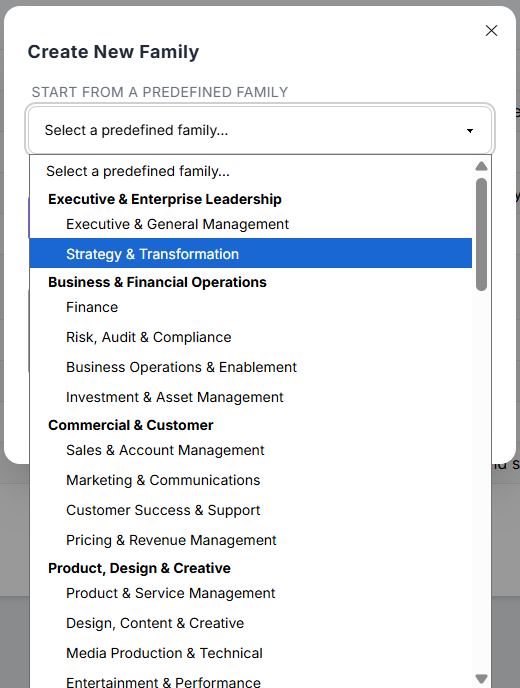
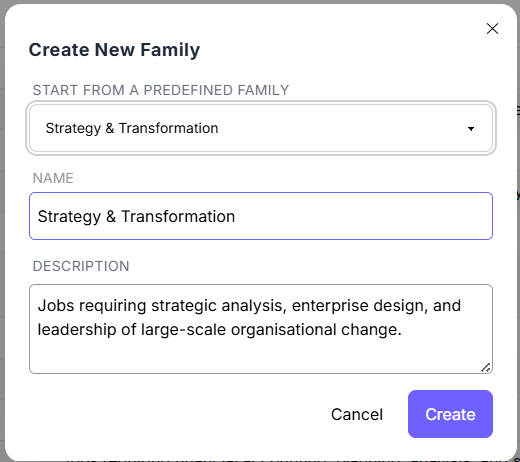
- You can also add your own family name and description.
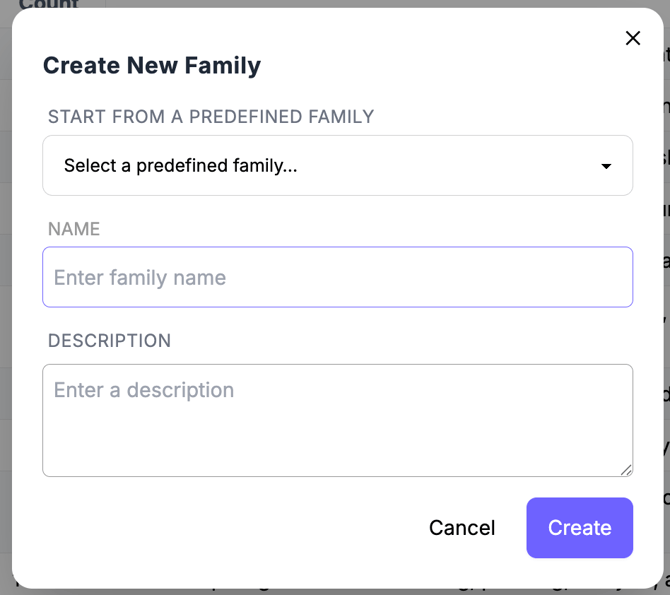
- You can select a predefined Job Family from the SkillsTrust Job Family Taxonomy, which will auto-populate the Job Family name and description fields.
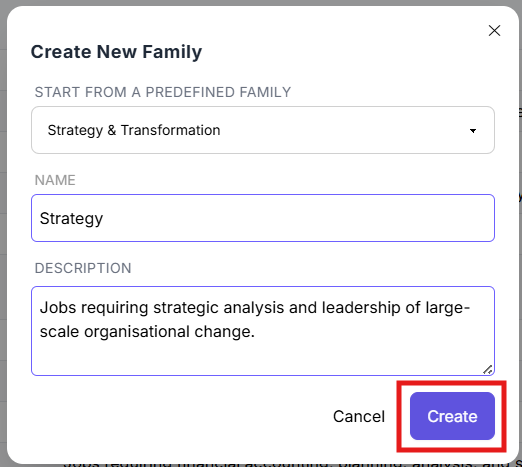
- Click Create in the bottom right corner to create your new Job Family. Your new Job Family will now be available for selection on any job profile page.
Still need help?
If this article did not answer your question, email our support team at support@skillstrust.org and we will be happy to help.
Our support hours are Monday to Friday, 9am to 5:30pm GMT, excluding public holidays in the Republic of Ireland.